Rich prompting, agentic viewports, and more
This is a round up of the features and enhancements we shipped in the last two weeks.
Highlight: inspect multiple elements at once
We have shipped a new prompt interface and, as part of the new interface, you can now inspect multiple elements as a natural part of your prompt. You can swap elements, ask to change one element using another as example, and much more. In all scenarios, Tidewave uses its page intelligence to forward precise information to the coding agent:
Learn more about our inspector in the docs.
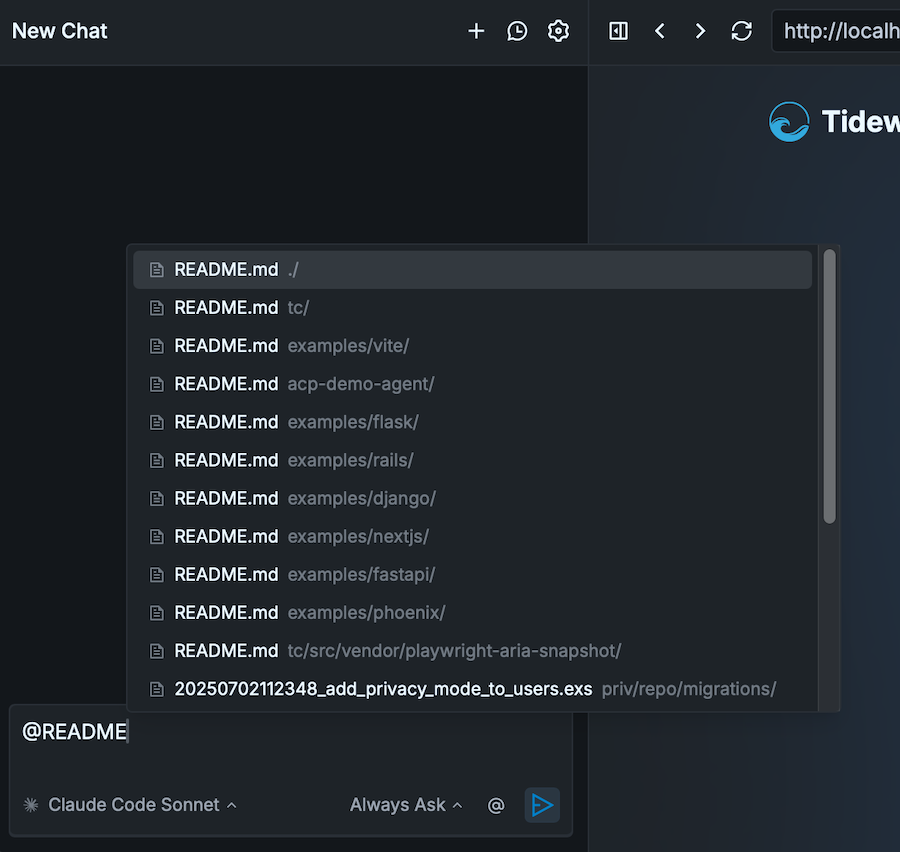
Highlight: Add file references with @
As part of the new prompt, you can now directly reference files by simply typing @:
Highlight: Viewport with presets, rotation, and agentic control
Our new viewport option allows developers to simulate different devices. Once enabled, you can either select one of the available presets or type custom dimensions:
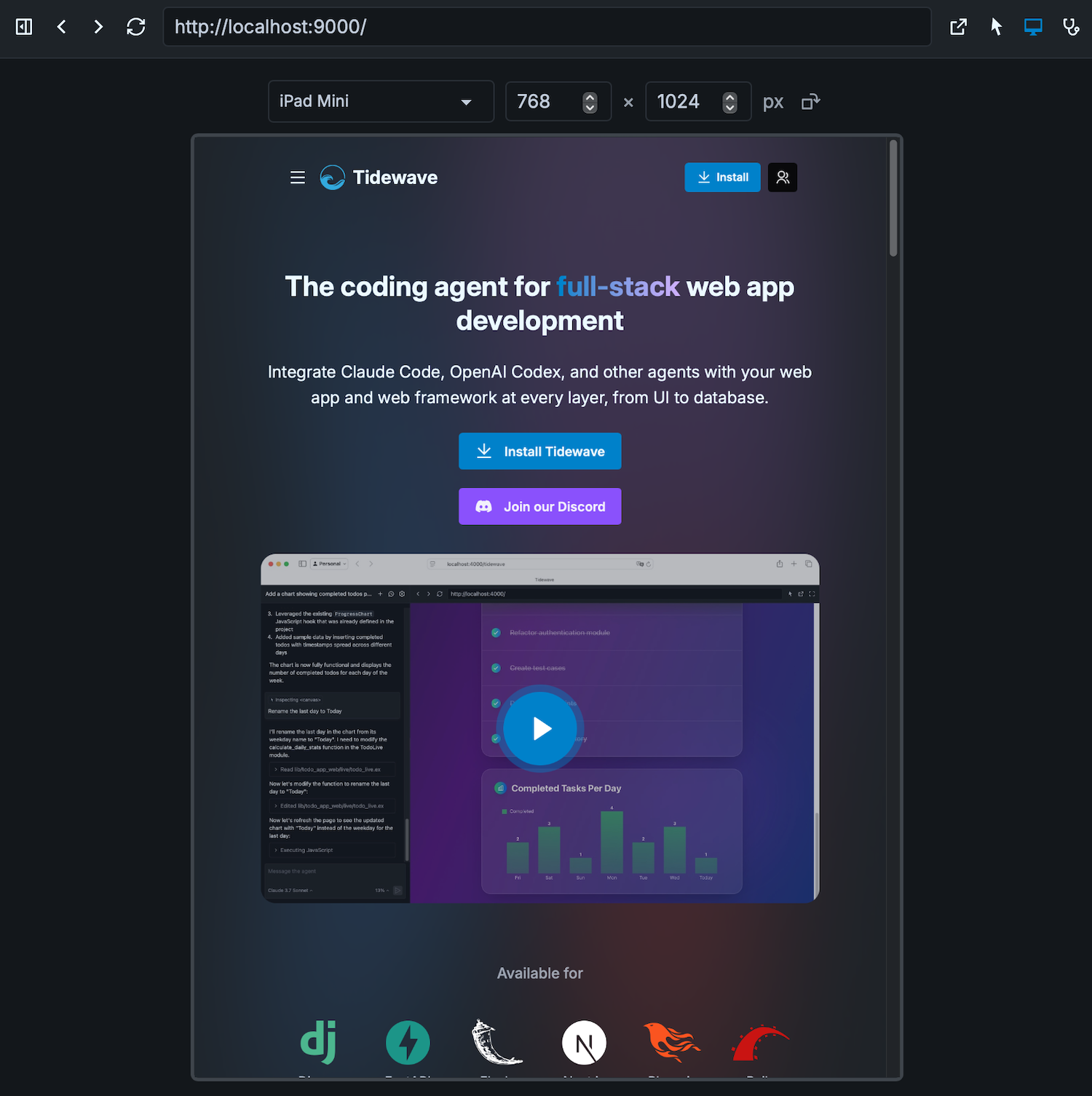
The viewport is also available to the coding agent, which can use it to answer questions, implement features, and validate bug fixes. For example, if you are wondering how your application is meant to work on mobile, Tidewave will read the source code and control the app, collecting all available information to give precise answers:
When fixing bugs, Tidewave can resize the viewport and validate breakpoints are working accordingly.
Highlight: open up a project page in Tidewave with a single click
You can now open up a project page in Tidewave with a single click. Load Tidewave in your favorite browser, drag the bookmarklet to your bookmarks bar, and you are good to go!
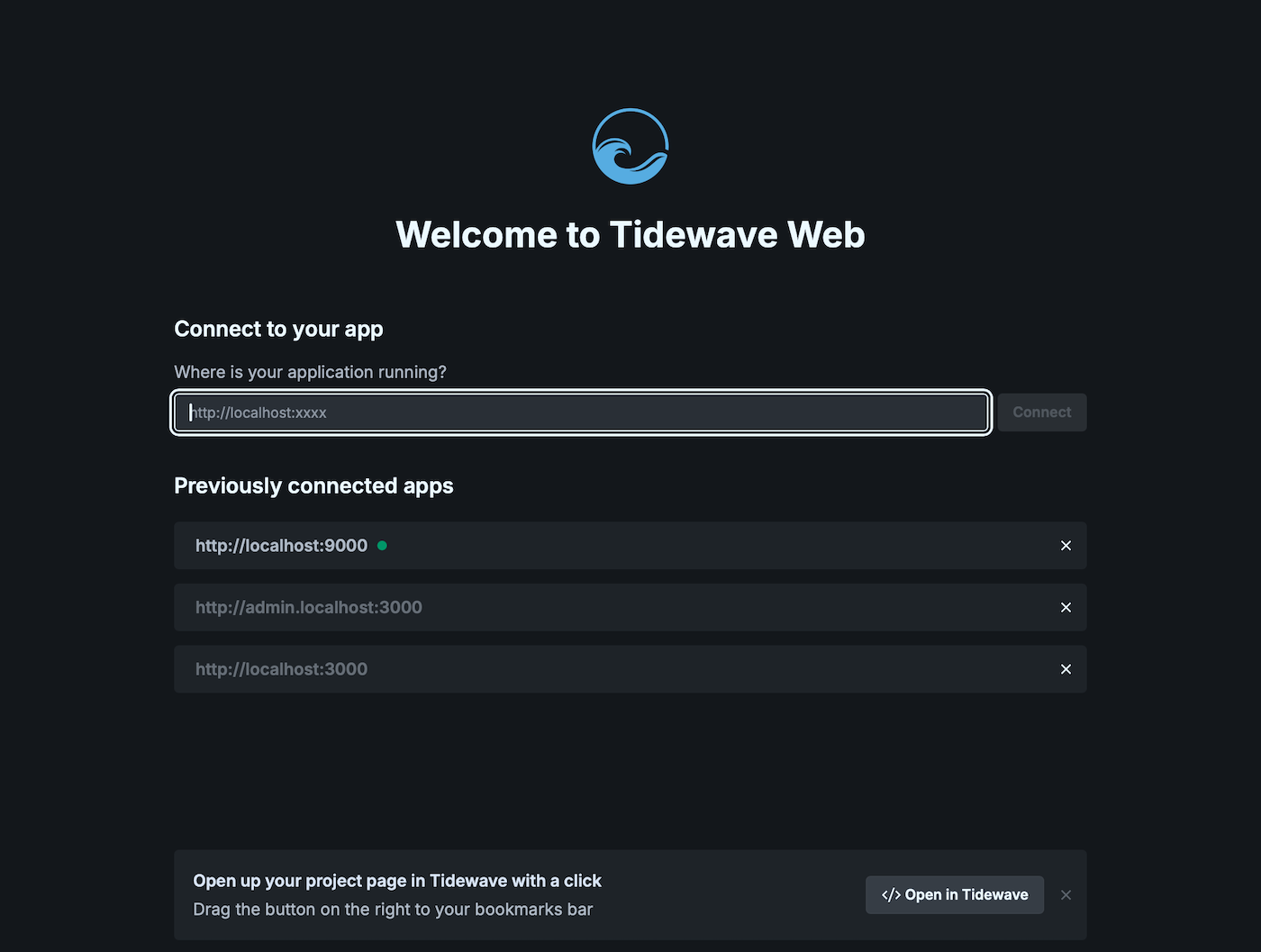
Note: the bookmarklet is no longer available. The bookmarklet would always open a new Tidewave browser tab, which is no longer the recommended path, as of the introduction of "Spaces".
Other notable changes
-
Allow setting a billing contact for teams
-
Improve error messages and the overall user experiences when Tidewave's and the app's domain does not match
-
Add specific
page.fillandpage.clickhelpers to our browser tool for better integration with frameworks that replace native DOM setters -
Consider urls ending with
.localhostas local -
Allow a max number of requests to be configurable for Anthropic, OpenAI, and OpenRouter APIs (GitHub Copilot charges per user message therefore there is no benefit in limiting max requests)
-
Add more permissions and capabilities to the application's iframe
-
Allow coding agents to read and write outside of the current project directory. These actions are managed by a different set of permissions, which default to "Ask"
Happy coding!